+

Get 7 days free to try our all-in-one platform
See how TravelJoy can help you save time, stay organized, and look professional.
Get started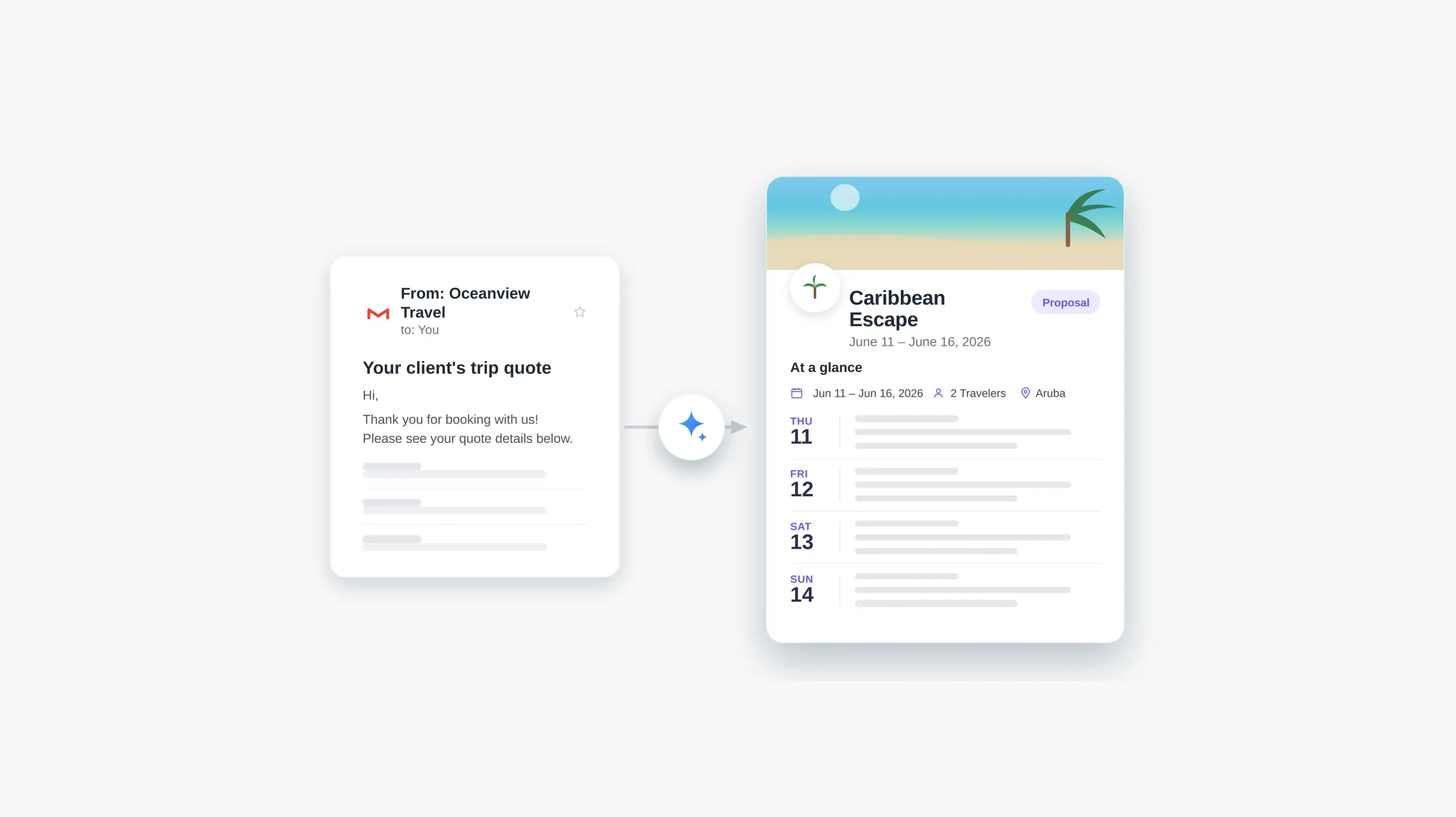

Recently, we took the next step toward our goal of 10xing your productivity and removing more busywork. With Magic Email, you can forward a supplier email to magic@traveljoy.ai and get back a polished proposal to share with clients.
But at TravelJoy, we know it's all about balance. We’re always pushing big ideas forward while also making the everyday tools you rely on simpler and stronger.
Alongside Magic Email, we’ve made improvements to core messaging, CRM, and itinerary features, including one of your most-requested updates: the ability to choose which hotel photos to add to an itinerary item instead of adding them all.
Plus, we're now in beta testing for new Groups features, like child pricing bands, percentage deposits, and more.
Thank you for being part of the TravelJoy community and for always sharing your feedback with us. It shapes everything we build.
.jpeg)
Turn supplier emails into polished, professional proposals with Magic Email
Forward a supplier email to magic@traveljoy.ai and Magic Email turns it into client-ready content you can review, customize, and send.
.jpeg)
Easily reconcile supplier statements and pay your team
Match supplier statement lines to your team’s bookings, see exactly what each advisor is owed, and keep a clear record of what’s been paid.
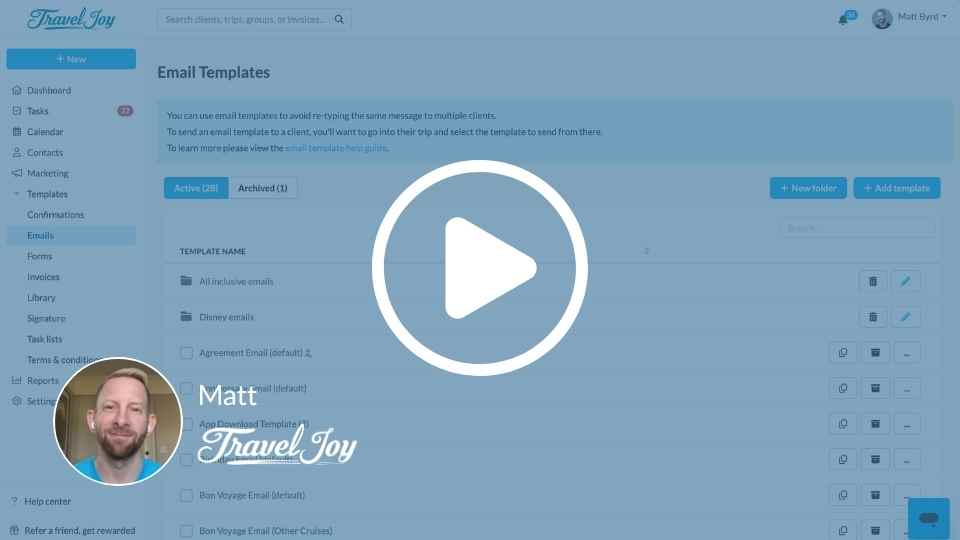
Organize your templates with folders and bulk actions
Create folders and take action on multiple templates at once, so it’s easier to keep everything tidy and find what you need.
.jpeg)
Hide "starting at" package pricing on group booking pages
On group booking pages, you now have more flexibility when displaying package pricing.
.jpeg)
Offer Arch RoamRight insurance directly inside TravelJoy
Add insurance to invoices, proposals, and group booking pages so clients can review and purchase. Plus, commissions flow through your host like normal.
.jpeg)
Simplified stateroom selection on proposals and itineraries
Itinerary Copilot now asks which staterooms you want to include, making it easier to add the right cabin options to proposals and itineraries.
.jpeg)
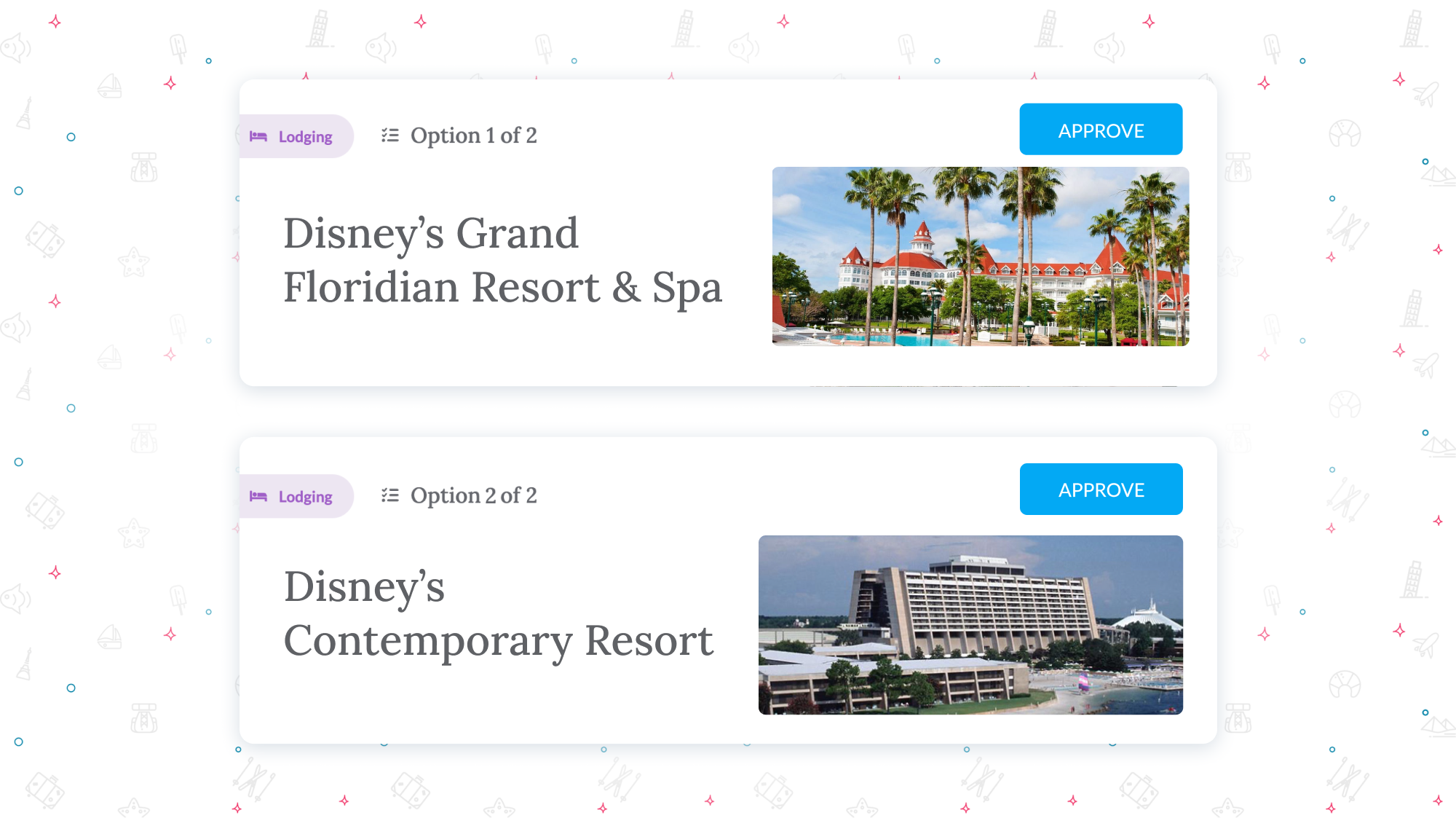
Import only the hotel photos you want
Instead of all hotel photos importing automatically, you can now select the specific property photos you’d like to use.
.jpeg)
Save a message and finish it later
Save messages as drafts so you can come back to review, edit, or send them when you’re ready.


.png)
.png)
.png)
-min.jpg)

-min.webp)
.png)
.png)